

Hey SEO Experts, Marketers & Business Owners, Still Wondering Why You’re Not Getting Orders?
Let’s be honest, we’ve all been there.
You’ve optimized your website, ranked your pages, and maybe even spent money on ads. Traffic is flowing in, impressions are climbing… but conversions? Not so much.
No orders, no signups, no calls.
Frustrating, right?
That’s where many SEO specialists and marketers start second-guessing their strategy. But here’s a reality check: traffic doesn’t mean success; user behavior does.
So before you start blaming your keywords or throwing more money at ads, let’s talk about something you might be missing: user interaction. Or better yet, let’s introduce a simple, powerful, and free tool that shows you exactly how users behave on your site: Microsoft Clarity.
Note: At Theta Solutions, we offer both online and physical training. You can enroll in our Digital marketing training plan to master your skills with professionals.
So, what is Microsoft Clarity?
Microsoft Clarity is a free behavioral analytics tool from Microsoft (yes, it’s legit and totally free) that helps you see what your users are actually doing on your website.
Think of it like CCTV for your website you get to watch real people scroll, click, rage-click, hover, and drop off.
It gives you crystal-clear insights into what’s working, what’s not, and what’s just confusing your visitors.
And the best part? No traffic limits. No hidden costs. Just plug it in and get started.
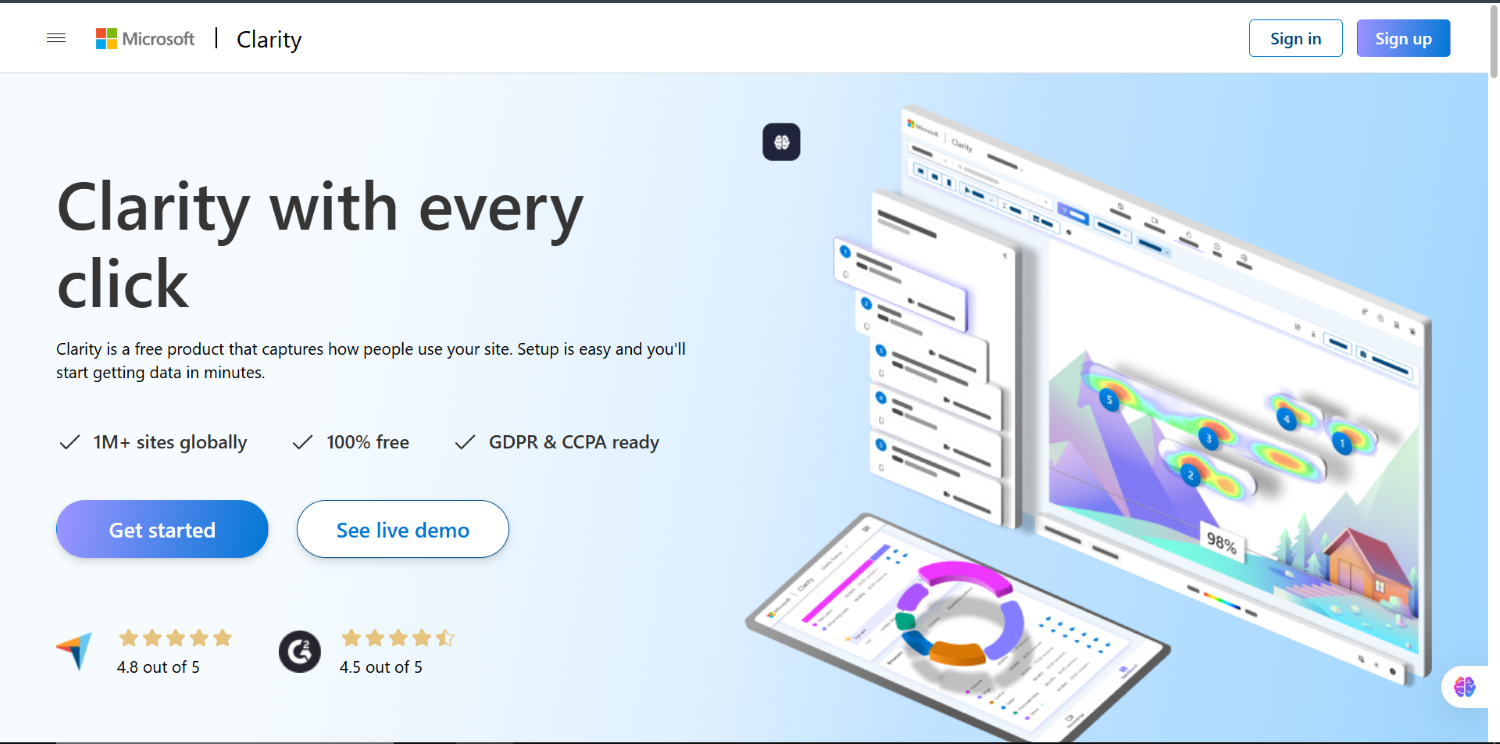
Note: Want to practice clarity without actual project, check out the Microsoft Clarity Demo Account.
Why Are Conversions Low, Even When Traffic Looks Great?
Here’s the hard truth: people don’t convert because something’s breaking the experience.
Maybe:
- Your CTA button is in the wrong place
- A section looks clickable but isn’t
- Your mobile layout is frustrating
- Users are not even reaching the most important part of the page
- Your form is too long, or your content too confusing
But you won’t know that by just looking at Google Analytics or Search Console. That’s where Clarity comes in.
How Microsoft Clarity Helps You Fix That
Let’s break this down in simple terms.
Clarity shows you what real users are doing and where they’re getting stuck. So instead of guessing why conversions are low, you’ll see exactly where to focus your efforts.
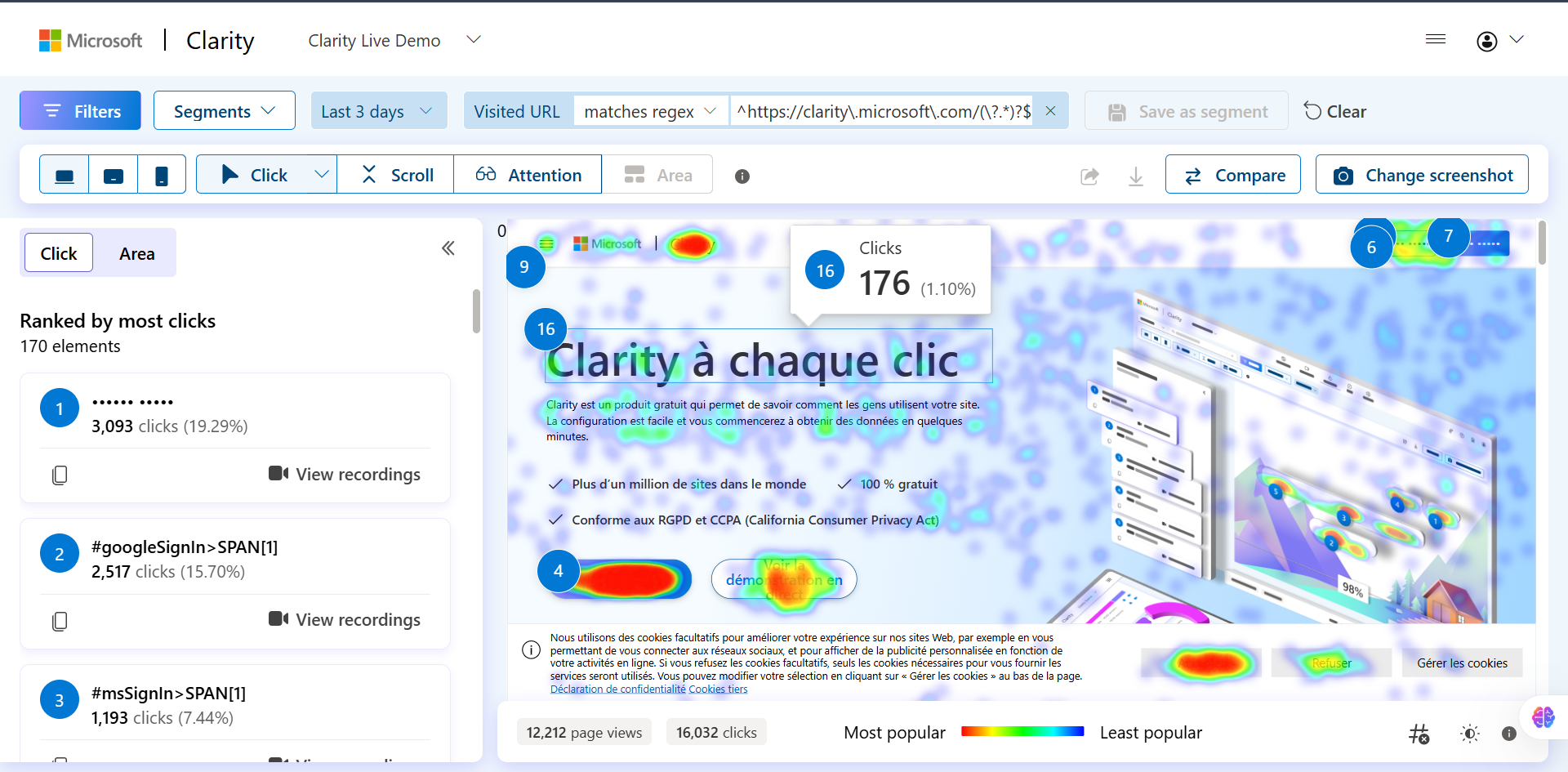
You Get: Heatmaps
These are visual reports that show:
- Where people click (and where they try to click but shouldn’t)
- How far they scroll (Are they even reaching your CTAs?)
- What parts of the page are getting the most or least attention
- Whether they’re interacting with important content or skipping it
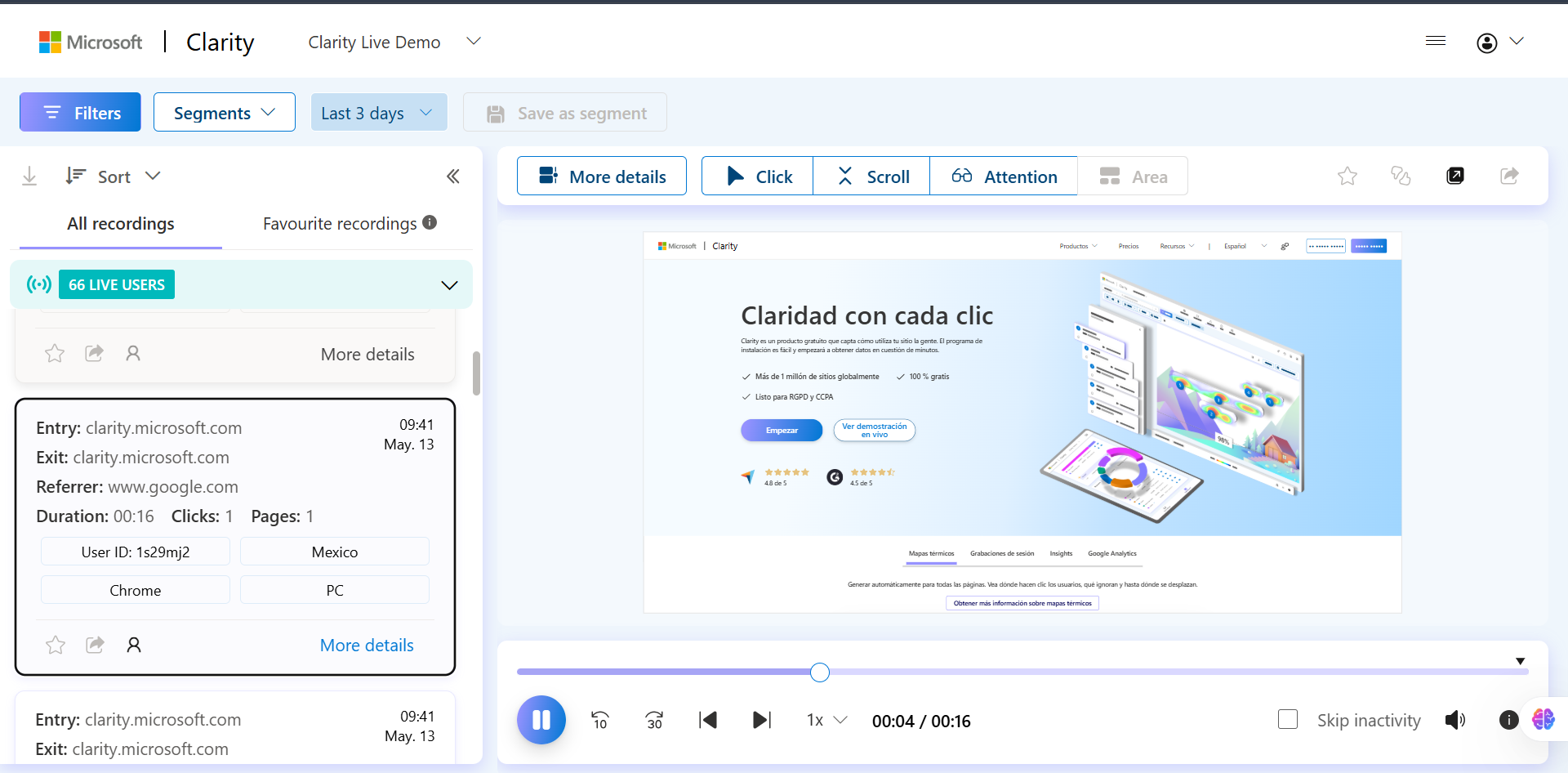
You Get: Session Recordings
This is where things get really powerful.
You can watch recordings of real users navigating your website. You’ll see:
- Where they hover, hesitate, and click
- Where they scroll up and down, again and again
- Where they bounce off
- Where they rage-click out of frustration
It’s like having a focus group but without paying anyone.
Where Should You Use Clarity?
If you’re:
- Managing SEO for a client and they’re asking “Why am I getting clicks but no leads?”
- Running ads but not seeing ROI
- Launching a new landing page or offer
- Struggling to understand user behavior
- Looking for concrete proof of what’s working or not
Then Clarity is for you. Use it to:
- Back your decisions with real user data
- Test where to place your CTA or key content
- Fix UX problems that analytics can’t show
- See how people interact across devices, especially mobile
- Find out why people are not converting, even though the content is “optimized.”
Real Example from Our Own Work
We recently used Microsoft Clarity to audit a client’s landing page.
Here’s what we discovered:
- Most users weren’t even scrolling to the CTA section
- There were rage clicks on a decorative icon that wasn’t clickable
- Mobile users were missing half the content due to poor padding
- Important FAQs were placed too low barely anyone saw them
Using that insight, we:
- Repositioned the CTA above the fold
- Fixed the misleading icon
- Restructured the layout for mobile
- Moved FAQs higher on the page
The result?
Engagement went up, and conversions improved, and all we did was watch what users were actually doing.
How to Set Up Microsoft Clarity (Takes 5 Minutes)
Here’s how you can start using it today:
- Go to: Clarity Setup Guide
- Sign in with your Microsoft or Google account
- Add your website
- Install the tracking code manually OR via Google Tag Manager
- Wait a few hours and then enjoy real behavior insights
Clarity vs. Other CRO Tools (Hotjar, Crazy Egg, etc.)
Let’s be real. Most heatmap or CRO tools out there are great but they charge you for traffic volume.
Clarity gives you:
- Unlimited heatmaps
- Unlimited session recordings
- Real-time data
- Click & scroll tracking
- Rage click identification
- JavaScript error insights
All for free.
Final Thoughts: Use Data, Not Assumptions
If you’re tired of guessing why users aren’t converting it’s time to stop guessing. Microsoft Clarity lets you see exactly what your visitors are doing, so you can make changes that actually work. Whether you’re managing SEO, running ads, or building funnels Clarity is the missing link in your strategy.
Ready to Get Started?
Install Microsoft Clarity now and stop flying blind. Want help analyzing your site? Contact our team we use tools like Clarity daily to improve conversion and UX for our clients.
Note: This blog is written in a natural tone, directly addressing SEO specialists, digital marketers, website owners, and anyone struggling with low or no conversions.